v0.2 · 4 packages on npm

Store-ready
screenshots,
from one config.

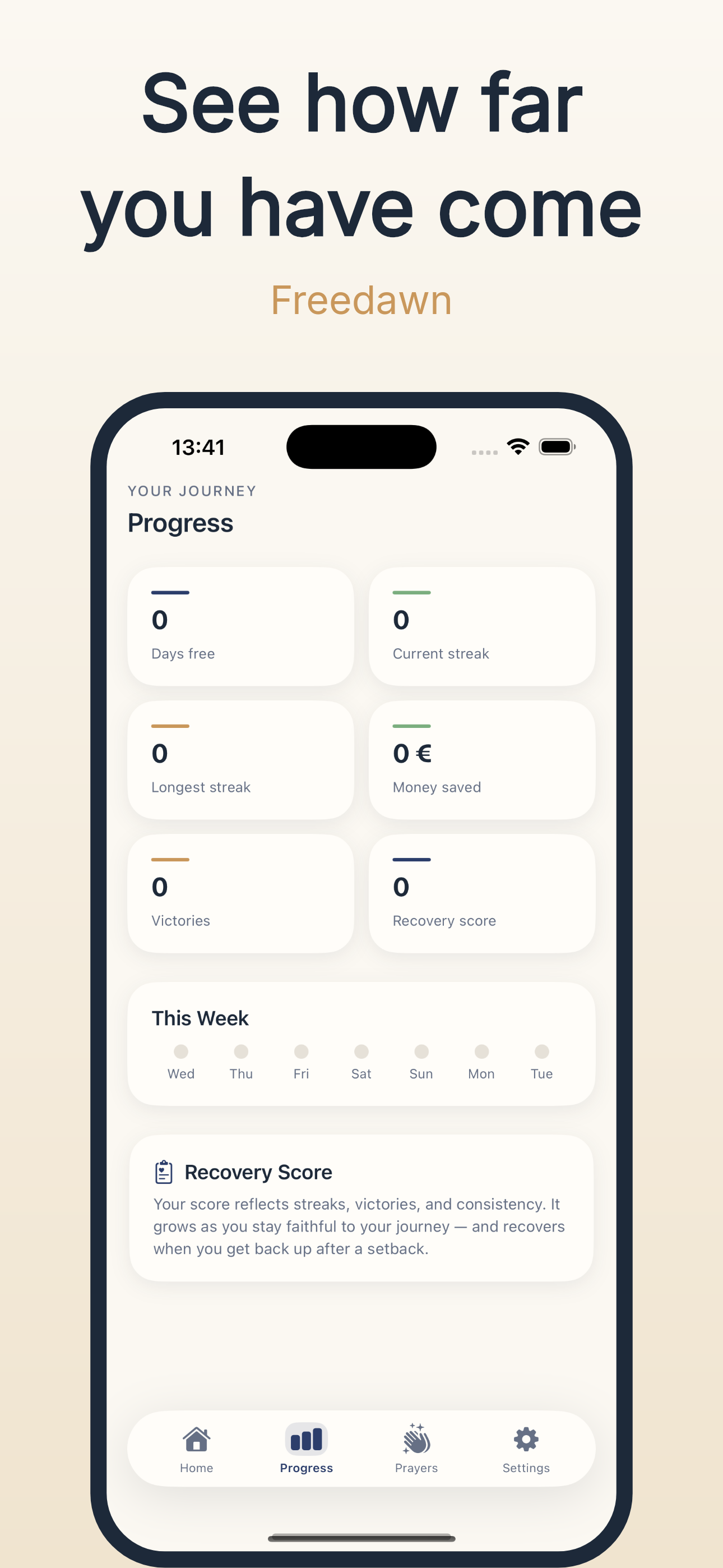
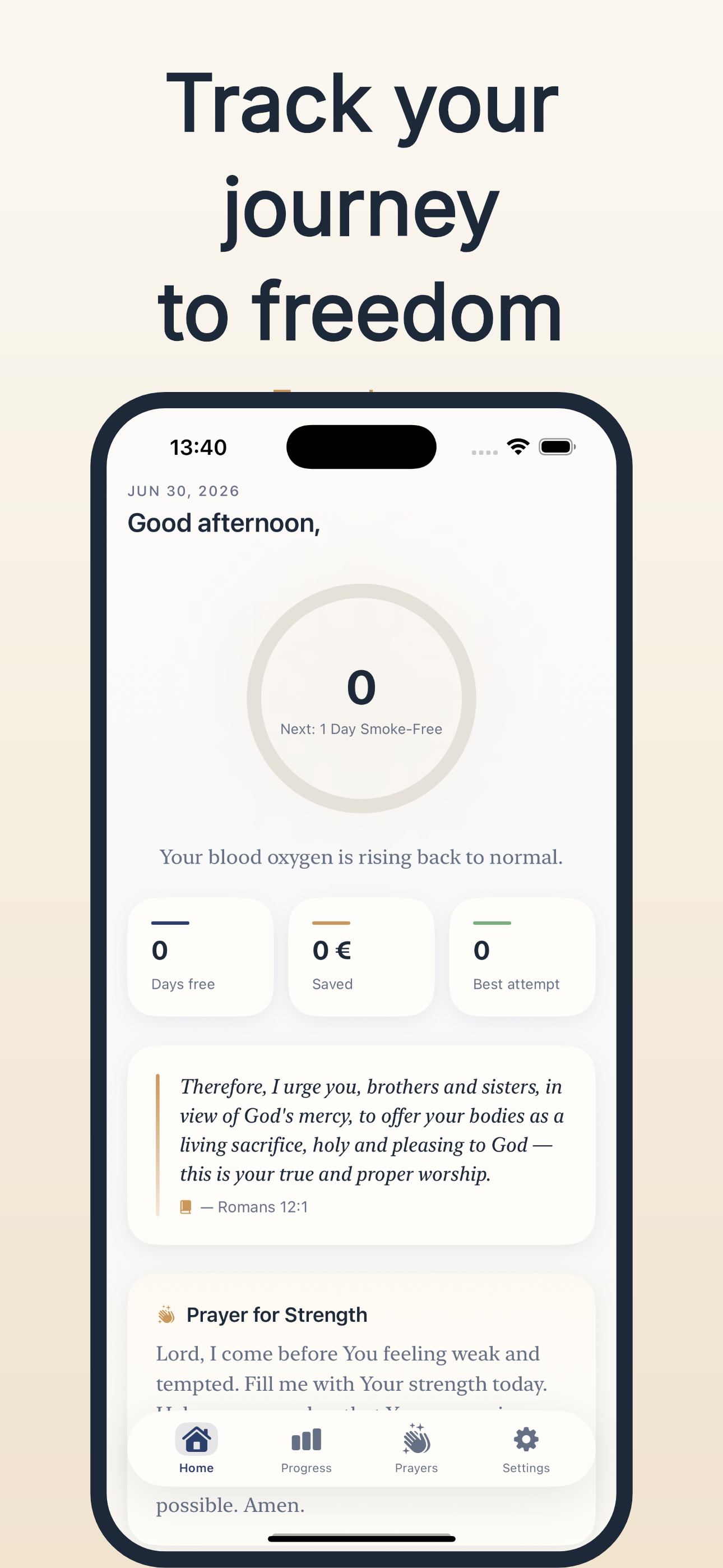
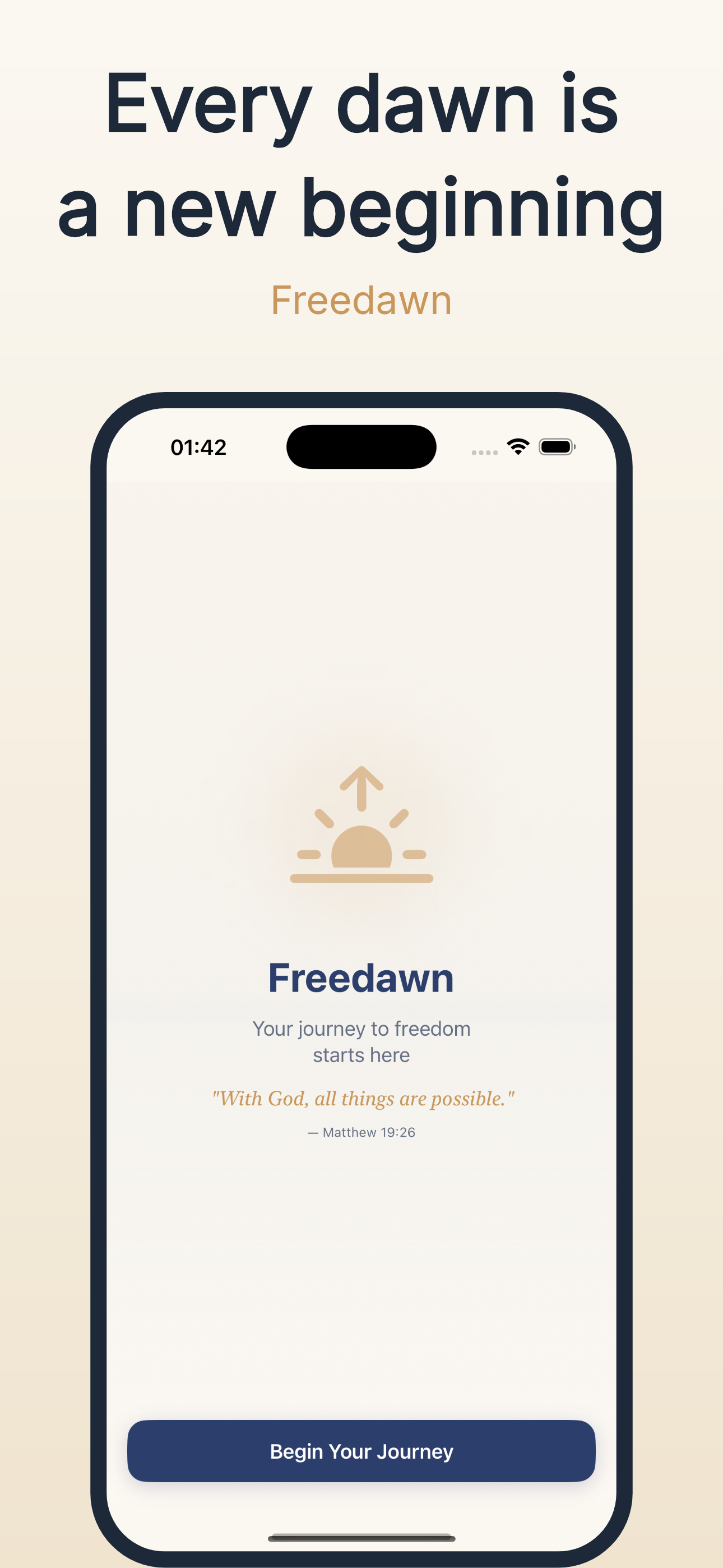
Describe the mockup once in JSON — headline, background, device — and render it for every store size and language in a single command.
or open the studio →
Three ways to use it

One rendering core.
Same pixels everywhere.

The same @appmockup/core engine powers the browser studio, the Node CLI, and the MCP server. Pick the surface that fits your workflow.

Web Studio

A visual editor with live canvas preview.

  • Drag to move, resize, rotate and tilt the device
  • 11 templates and 6 accent themes, one click
  • Batch ZIP export — every size, every language
$ appmockup generate \
  --config app.json

[1/84  1%] en_01.png
[2/84  2%] en_02.png
[3/84  3%] de_01.png
...
✓ Generated 84 mockups

CLI

Batch rendering straight from a JSON config.

  • init, validate, preview, generate
  • Filter by language, size, or screenshot id
  • Dry-run and machine-readable JSON output
{
  "mcpServers": {
    "appmockup": {
      "command": "npx",
      "args": [
        "-y",
        "@appmockup/mcp"
      ]
    }
  }
}

MCP Server

Your AI assistant builds the screenshots.

  • 11 tools — validate, preview, batch generate
  • stdio for local clients, Streamable HTTP for hosted
  • Works with Claude, Cursor and any MCP client
Templates

Eleven starting points, yours to remix.

Every template is a full mockup config — background, device styling, headline treatment. Apply one, then tune anything.

Accent themes

Six palettes. One click.

Themes recolor headlines, subtitles, backgrounds and bezels while preserving your layout. Try one on any template.

4packages on npm
·
~97%pixel parity vs Swift
·
11demo templates
·
6accent themes

Your next release, already shot.

Write one JSON config. Ship every screenshot for every store, every device, every language.